

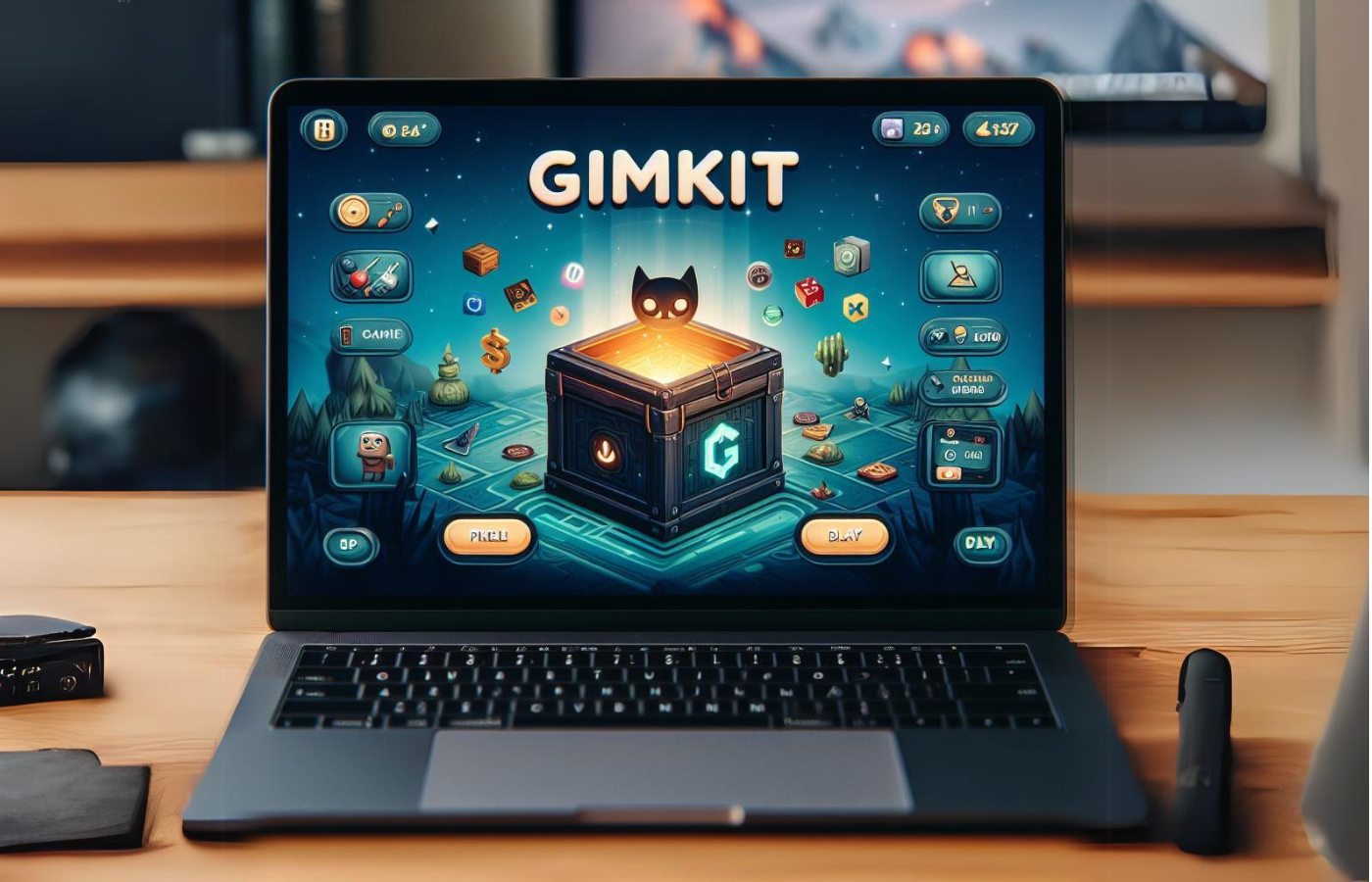
In today’s education landscape, interactive learning platforms are becoming essential tools for teachers and students. One platform that has gained remarkable popularity is Gimkit, particularly the role of the Gimkit Host. Whether you’re an educator seeking to enhance student participation or a tech-savvy learner interested in gamified experiences, understanding the responsibilities and capabilities of a Gimkit Host is crucial.
What is Gimkit and Who is a Gimkit Host?
Gimkit is an online learning platform that combines gamification with academic exercises, enabling students to engage in quizzes while earning in-game currency for correct answers. It was founded by a high school student, which explains its focus on student-centered learning experiences.
A Gimkit Host is the individual who creates, manages, and facilitates the quiz sessions. Hosts have access to a variety of tools and settings that allow them to customize the learning experience. Unlike standard participants, hosts can control the pace, modify rules, and implement creative strategies to maximize engagement.
Key Features of a Gimkit Host
Being a Gimkit Host comes with several unique features that make the experience interactive and educational:
- Customizable Kits: Hosts can create personalized quizzes, known as “kits,” including multiple-choice questions, true/false questions, and even fill-in-the-blank formats.
- Live Gameplay Controls: A host can adjust game settings in real-time, including time limits, point values, and earning multipliers.
- Student Analytics: Gimkit provides detailed analytics for hosts to monitor student performance, participation, and areas where students may need additional support.
- Game Modes: Hosts can select from various modes such as Team Mode, Classic Mode, and Flash Mode, which cater to different classroom dynamics and learning objectives.
- Power-Ups and Bonuses: Gimkit includes in-game power-ups that the host can distribute to motivate students or to make the game more competitive.
How to Become a Successful Gimkit Host
Hosting a Gimkit session is more than just launching a quiz; it involves strategic planning and engagement techniques. Here’s how to excel as a host:
- Preparation is Key: Before the session, hosts should create or review kits, ensuring questions are clear, relevant, and aligned with learning objectives.
- Understand Your Audience: Knowing the age group, academic level, and interests of students helps hosts tailor the difficulty and style of questions.
- Set Clear Rules: Establishing game rules at the start prevents confusion and promotes a fair competitive environment.
- Engage Students Actively: Hosts can encourage participation through verbal prompts, rewards, or by integrating collaborative tasks.
- Monitor Progress: Use Gimkit’s analytics dashboard to track student scores, completion rates, and areas of difficulty. This data is valuable for adjusting strategies in real-time.
- Adapt Game Mechanics: Experiment with different modes, time limits, and power-ups to maintain high energy and motivation during the session.
Benefits of Using Gimkit as a Host
The advantages of hosting Gimkit sessions extend beyond traditional classroom quizzes. Some key benefits include:
- Enhanced Student Engagement: Gamification motivates students to participate actively, fostering both learning and enthusiasm.
- Immediate Feedback: Students receive instant feedback, which reinforces learning and helps identify gaps.
- Flexible Learning Environment: Gimkit allows for synchronous and asynchronous sessions, making it suitable for remote, hybrid, or in-person classrooms.
- Collaborative Skills: Team modes encourage collaboration, communication, and problem-solving among students.
- Teacher Insight: Hosts gain a deep understanding of student progress and comprehension levels, enabling data-driven instructional decisions.
Tips for Hosting Effective Gimkit Sessions
Even experienced educators can benefit from strategies to enhance Gimkit gameplay:
- Start with Ice-Breakers: Light, fun questions at the beginning of the session help students relax and engage more freely.
- Incorporate Curriculum Content: Aligning quiz questions with curriculum objectives ensures the platform reinforces learning goals.
- Vary Question Formats: Using different types of questions keeps sessions dynamic and challenges students in multiple ways.
- Encourage Friendly Competition: Implementing leaderboards or team scoring can increase motivation, but hosts should balance competitiveness to avoid stress.
- Debrief After the Game: Discussing answers and clarifying misconceptions solidifies learning and ensures that engagement translates into knowledge retention.
Common Challenges for Gimkit Hosts
While the platform is user-friendly, hosts may encounter certain challenges:
- Managing Large Groups: Keeping students engaged and preventing off-task behavior requires proactive strategies.
- Technical Issues: Internet connectivity, device compatibility, and software glitches can disrupt sessions.
- Balancing Competition: Overemphasis on winning can demotivate some students. Hosts should create a balanced and inclusive environment.
- Time Management: Ensuring that games fit within class periods while covering sufficient content requires careful planning.
Gimkit Host for Remote Learning
The rise of online and hybrid classrooms has increased the relevance of Gimkit. Hosts can facilitate remote sessions where students participate from different locations, making learning interactive and accessible. Features like live leaderboards, screen sharing, and integration with learning management systems (LMS) enhance the remote learning experience.
Advanced Features for Expert Hosts
Experienced hosts can leverage additional features to make sessions more dynamic:
- Automatic Question Shuffling: Randomizing questions ensures fairness and prevents answer sharing.
- Custom Power-Up Strategy: Thoughtful distribution of power-ups can create strategic gameplay opportunities.
- Adaptive Difficulty: Hosts can adjust difficulty based on student performance, keeping the game challenging but attainable.
- Gamified Rewards: Beyond in-game currency, hosts can tie real-world incentives or recognition to performance metrics.
Conclusion
Becoming a proficient Gimkit Host transforms the classroom into an interactive and engaging learning environment. By combining creativity, strategic planning, and effective use of Gimkit’s tools, educators can enhance learning outcomes, foster collaboration, and make education fun. Whether in-person or online, the role of a Gimkit Host is central to maximizing student participation and academic growth.
FAQ Section
1. What is the primary role of a Gimkit Host?
A Gimkit Host creates, manages, and facilitates quiz sessions, controlling game settings, monitoring student performance, and ensuring a smooth interactive learning experience.
2. Can Gimkit Hosts use the platform for remote classrooms?
Yes, Gimkit is designed for both in-person and remote learning, with features like live leaderboards, screen sharing, and easy integration with LMS tools.
3. How can hosts customize Gimkit quizzes?
Hosts can create custom kits with various question types, adjust point values, set timers, enable power-ups, and choose game modes suitable for their classroom dynamics.
4. What analytics tools are available for Gimkit Hosts?
Hosts can track student participation, scores, question accuracy, completion rates, and other metrics to understand learning patterns and adjust gameplay accordingly.
5. How does gamification in Gimkit benefit students?
Gamification increases engagement, provides immediate feedback, encourages healthy competition, and promotes knowledge retention through interactive learning.
6. Are there strategies to handle large groups in Gimkit sessions?
Hosts can use team modes, assign roles, stagger question timing, and monitor student progress through analytics to manage large groups effectively.
7. Can hosts integrate curriculum objectives into Gimkit sessions?
Absolutely. Hosts can align questions with curriculum goals, ensuring that gamified quizzes reinforce essential learning outcomes while keeping students motivated.
